
Ever since I started working back then in 2013 I have been fully immersed in the digital revolution and found that the top AI productivity tools for remote work in 2025 are not just “nice-to-have” additions, they’re the reason I can get more done with less burnout.
These tools have become my trusted digital companions, saving me time, automating mundane tasks, and helping me prioritize deep work.
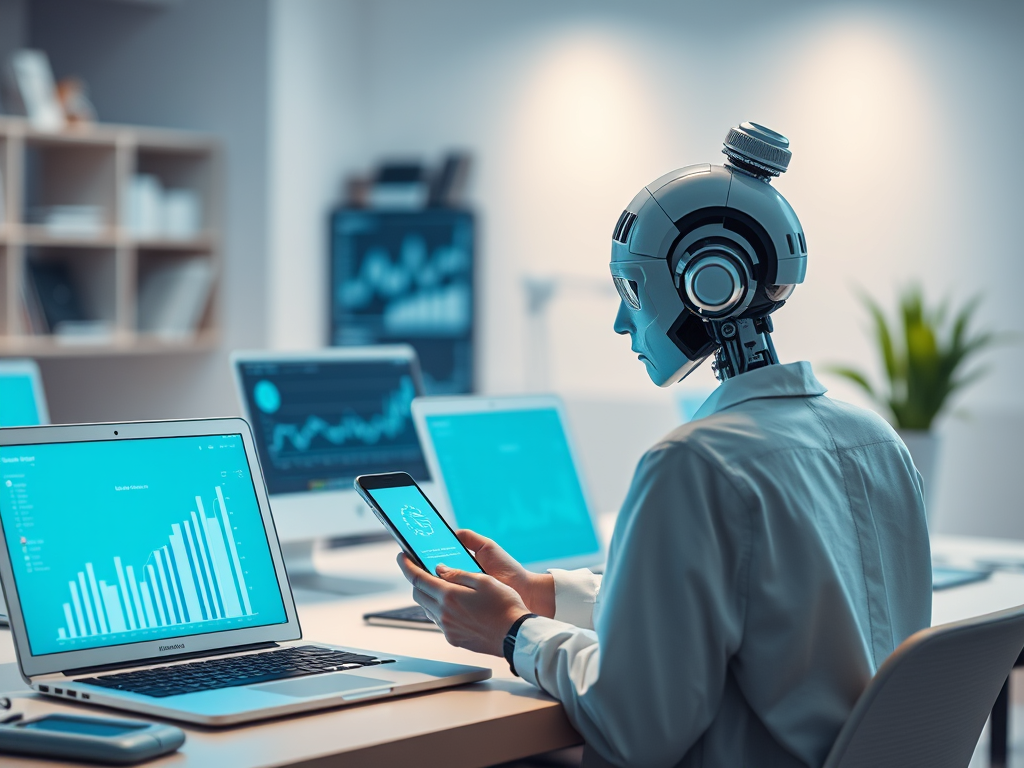
In the past year, many developments have taken shape, resulting in the market being bombarded with dozens of AI apps and platforms. These have laid a strong impact by, by the way, genuinely transforming the way we work. Here in this post, I’m sharing my personal take on the best of the best, tools tailored especially for the professional like you in 2025 and beyond.
1. Notion AI: This Is A Powerhouse For Knowledge Workers
The tool, Notion AI for content creation and project planning was one of the first tools I had tried to use in my workflow. Irrespective of the need for drafting key blog outlines, creating knowledge wikis, or simply generating the task specific checklists, this tool, Notion AI will help you to do it with ease. This has its core ability in generating context-relevant text suggestions that has saved many hours each week. Adding to this is its ability to even spark some creative ideas that you might not have thought of yourself.
2. Grammarly: Your Virtual Communication Assistant
Clear and polished communication is a must in remote work setups. Grammarly AI for professional writing improvement goes beyond correcting typos—it helps you fine-tune tone, intent, and clarity. Whether I’m composing client emails or publishing blog content, Grammarly makes my words feel like they’ve gone through a professional editor
3. Otter.ai: Your AI Meeting Memory
I work with clients across time zones, and AI tools for real-time meeting transcription and summarization like Otter.ai have been lifesavers. This tool transcribes meetings live, tags speakers and even gives you summaries with key points. It frees up my attention to actually participate in conversations rather than worrying about missing details.
4. Trello + Butler: Automate Your Projects Like a Pro
If you’re into kanban boards and organized visual planning, then you’ll love AI-powered task automation in Trello for remote teams. Butler, Trello’s AI-based automation tool, lets you automate card moves, trigger reminders, and set priority flags. Project management without Trello feels chaotic now.
5. Clockwise: Calendar Intelligence That Cares
AI-based smart calendar assistants for remote professionals are increasingly necessary, and Clockwise tops the list. It automatically blocks out focus time, reschedules meetings for low-impact hours and ensures I get enough breathing room. With it, my weeks feel intentionally structured instead of endlessly reactive.
6. Motion: AI Meets Timeboxing
I recently started using Motion, which integrates AI productivity apps that support timeboxing and daily planning. It uses AI to analyze your task list, calendar, and energy levels, then suggests a time-optimized schedule. Honestly, it’s like having a digital chief of staff.
7. Superhuman: Email on AI Steroids
Managing your inbox doesn’t have to be a chore. Superhuman email AI tools for workflow optimization help me stay at inbox zero without stress. From auto-sorting emails to preemptive reply suggestions, it’s the fastest email experience I’ve ever used and it saves me at least an hour a day.
8. Fireflies.ai: Smarter Meeting Notes
Similar to Otter, Fireflies brings AI meeting assistants for capturing insights and action items into your video calls. I use it for internal team calls and strategy sessions—it tags follow-ups, notes deadlines, and delivers accurate transcriptions almost instantly.
9. ClickUp AI: All-in-One Productivity Central
ClickUp has become my go-to for full-scale project management. And since they launched ClickUp’s AI tools for managing projects and remote workflows, I rarely need to jump across different apps. The AI helps suggest tasks, generate documents, and align deadlines seamlessly.
10. Reclaim: Balance Your Life Automatically
We all know that remote work can blur the lines between life and work. That’s where AI scheduling tools to improve work-life balance for remote workers like Reclaim come in. It syncs with your work and personal calendars, auto-reschedules meetings based on personal needs, and reminds you to take breaks. It’s not just about productivity—it’s about sustainability.
Conclusion: My Final Thoughts
If you’re working remotely in 2025 and not tapping into these tools, you’re leaving serious productivity gains on the table. Whether it’s automating workflows, managing emails, optimizing your time, or simply reducing mental load—these tools are making a measurable difference in my daily performance.
From all the AI solutions I’ve tried, the top AI productivity tools for remote work in 2025 continue to be my secret weapons. Not because they replace my work, but because they enhance it.
Start small, integrate one or two, and watch how your workflow transforms.

2026 SOCIAL MEDIA MARKETING TRENDS
This year is all about AI content creation tools and if you’ve felt like your feed, your engagement, and your entire content calendar got rewritten overnight, you’re not imagining it. A recent trend breakdown making the rounds on social platforms put it plainly, marketing is changing and the brands still leaning on 2023 playbooks are…


AI Agents in 2026: The Next Big Revolution Every Business Should Prepare For
Artificial Intelligence has evolved far beyond chat bots and content generation. In 2026, businesses are entering the era of AI Agents like some intelligent digital assistants capable of planning tasks, making decisions, collaborating with software and executing complex workflows with minimal human intervention.
Enhancing SEO with AI-Driven Strategies
Today, content marketing is no longer limited to blog writing or social media posting because AI tools are reshaping the entire digital ecosystem. Artificial Intelligence is transforming the way brands create, publish, and distribute online content. Modern businesses now use AI-driven platforms to improve customer targeting, automate campaigns, and analyze audience behavior in real time.…
 Tech Latest Insights
Leave a Reply